
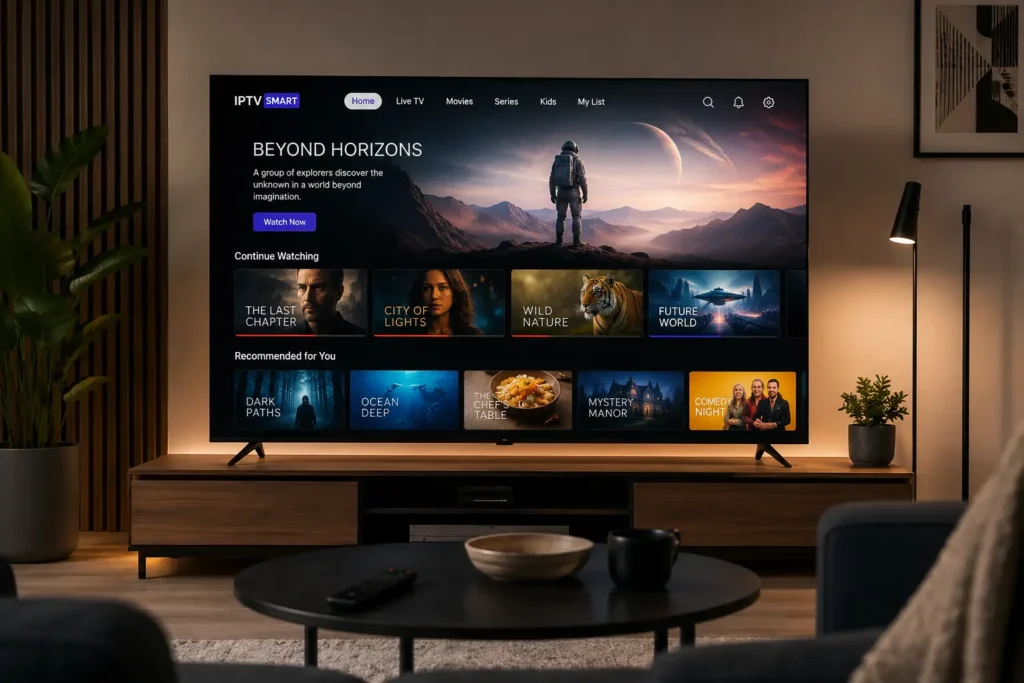
Streaming technology never sits still, and the IPTV trends 2026 has introduced mark one of the most noticeable shifts in years. From smarter recommendation engines to the rapid growth of free ad-supported channels, the way people watch television over the internet has evolved significantly compared to just twelve months ago.
If you are trying to understand what has actually changed — and what it means for your day-to-day streaming setup — this guide breaks it down in plain language. We will cover the technology behind the shift, the features worth paying attention to, how to troubleshoot common issues, and practical tips to get the most out of your streaming experience in 2026.
Table of Contents
What Is IPTV?
IPTV, short for Internet Protocol Television, is a method of delivering television content over an internet connection instead of through traditional satellite dishes, cable boxes, or terrestrial antennas. Rather than broadcasting every channel simultaneously across a fixed frequency, IPTV sends data packets directly to your device, similar to how any other online video service works.
This approach allows for:
- Live channel streaming through apps rather than physical tuners
- Video-on-demand libraries that can be accessed anytime
- Time-shifted viewing features like catch-up TV and cloud DVR
- Multi-device compatibility across smart TVs, streaming boxes, phones, and tablets
It’s important to understand that IPTV is a delivery technology, not a specific service or provider. Many well-known, fully licensed platforms — including telecom-operated TV packages and legitimate streaming bundles — use IPTV infrastructure. At the same time, the same technology can be misused by unauthorized services distributing copyrighted content without permission. BestProviderIPTV focuses exclusively on the legitimate side of this technology: how it works, how it’s evolving, and how to use it responsibly.
Why Does It Matter?
Understanding current IPTV trends matters because the underlying infrastructure directly affects picture quality, reliability, and the overall value you get from a streaming subscription. The changes seen this year are not cosmetic — they reflect deeper shifts in how content is delivered, recommended, and monetized.
For viewers, this means:
- Better stream stability during high-demand events
- More personalized content discovery instead of endless scrolling
- New free, ad-supported viewing options alongside paid subscriptions
- Higher expectations around picture quality and app design
For anyone evaluating a new service or troubleshooting an existing one, knowing what has changed helps set realistic expectations and avoid outdated advice.
Main IPTV Trends in 2026
1. AI-Driven Personalization Is Now the Norm
Recommendation engines have moved well beyond simple “you might also like” rows. Modern IPTV and streaming apps now analyze viewing history, time of day, and device context to build a more tailored home screen. This mirrors the personalization approaches already used by major streaming platforms and is becoming a baseline expectation rather than a premium feature.
The practical benefit is less time spent browsing and more relevant suggestions, particularly for households with multiple viewer profiles.
2. FAST Channels Continue to Expand
Free Ad-Supported Streaming Television (FAST) channels have become one of the fastest-growing segments of the streaming landscape. These are linear, scheduled channels — similar to traditional broadcast TV — but delivered over IP and funded by advertising instead of subscription fees.
FAST channels are now commonly built into major smart TV platforms, and their growth reflects a broader shift toward hybrid viewing habits: some content on-demand, some scheduled and free.
3. Higher Resolution and Better Compression
As home broadband speeds and fiber availability improve, 4K streaming has become far more common, and early 8K-capable content is beginning to appear on premium platforms and hardware. This is supported by more efficient video codecs that deliver higher quality without proportionally higher bandwidth requirements.
If you’re shopping for a new streaming device, checking codec support (such as HEVC/H.265 or AV1) is now a meaningful factor in future-proofing your setup. You can review supported formats on the official Android TV documentation before purchasing a new device.
4. Cord-Cutting Has Reached a Turning Point
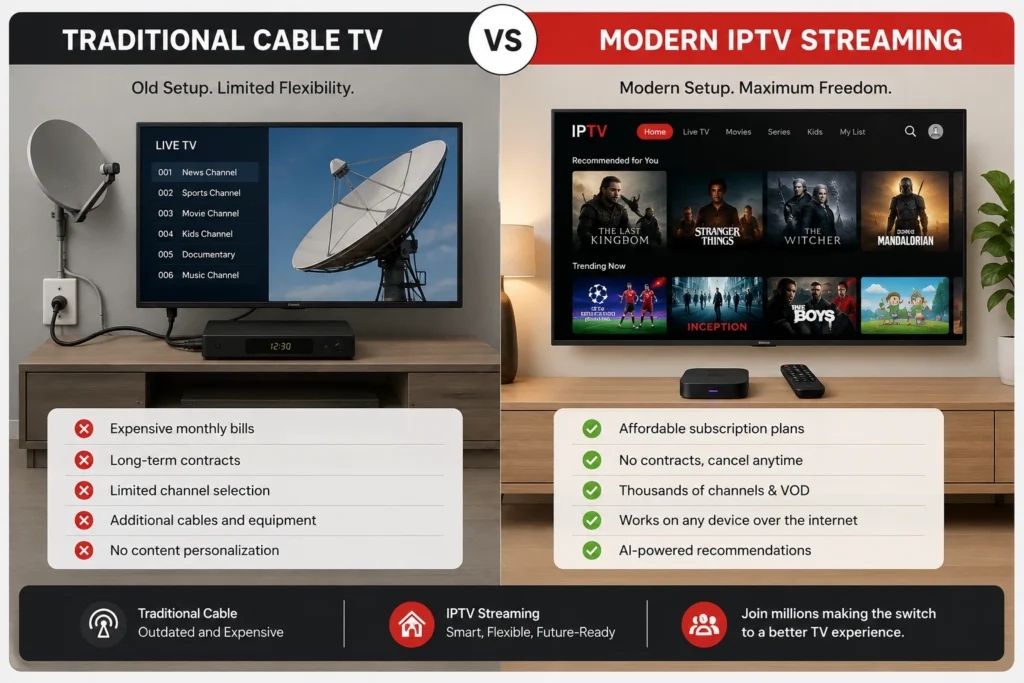
More households than ever are choosing internet-delivered TV as their primary viewing method rather than traditional cable or satellite. This shift has pushed both legacy broadcasters and telecom providers to invest more heavily in their own IPTV and streaming platforms to retain subscribers.
For consumers, this generally means more competition, more bundling options, and continued pressure on providers to improve app quality and reliability.
5. Cloud DVR and Multi-Device Syncing
Cloud-based DVR functionality — recording live TV to a remote server instead of a local hard drive — has become a standard feature on many platforms. Combined with multi-device syncing, viewers can start a program on a smart TV and resume it seamlessly on a phone or tablet.
6. Stronger Focus on Network Reliability
As IPTV traffic has grown, internet service providers have paid closer attention to how streaming data is routed and prioritized on their networks. This has made connection quality — not just subscription price — a bigger factor in overall viewing experience. Users with unstable connections are increasingly encouraged to check their router’s Quality of Service (QoS) settings, which many manufacturers document directly; for example, see official guidance from the Wi-Fi Alliance on optimizing home network performance.
7. Emphasis on Legal, Transparent Subscription Models
Alongside these technical changes, there has been a broader industry push toward transparent, clearly licensed subscription models. Regulators and platform operators in several regions have increased scrutiny of unauthorized IPTV distribution, reinforcing the importance of choosing services that clearly disclose their content licensing. When comparing providers, it’s worth checking whether a service publishes information about its content rights, similar to how the FCC provides consumer guidance on video service providers in the United States.
Step-by-Step Guide: Evaluating an IPTV Setup in 2026
Whether you’re upgrading an existing setup or building one from scratch, follow these steps to make sure your streaming experience takes advantage of current trends.
- Check your internet speed. For reliable 4K streaming, aim for a stable, wired or strong Wi-Fi connection well above the minimum requirement listed by your streaming apps.
- Confirm device compatibility. Verify that your smart TV, streaming box, or media player supports current codecs and app versions. Devices more than five years old may lack support for newer formats.
- Review app and platform updates. Make sure your device’s operating system and streaming apps are fully updated, as personalization and FAST channel features are often rolled out through updates.
- Test during peak hours. Stream during evening hours, when network congestion is highest, to get an accurate sense of real-world performance.
- Check your router settings. Enable Quality of Service (QoS) prioritization for streaming devices if your router supports it.
- Verify licensing transparency. Choose providers who are clear about the content they are authorized to distribute.
- Set up profiles. If your platform supports multiple viewer profiles, configure them individually to get the most accurate AI-driven recommendations.
Common Problems and How to Fix Them
| Problem | Likely Cause | Recommended Fix |
|---|---|---|
| Frequent buffering | Insufficient bandwidth or Wi-Fi interference | Switch to a wired connection or move closer to the router |
| App crashes on smart TV | Outdated app or firmware | Update both the app and the TV’s operating system |
| Poor picture quality despite fast internet | Codec mismatch or low streaming bitrate setting | Check the app’s video quality settings and device codec support |
| Audio and video out of sync | Outdated HDMI drivers or cable issues | Update device firmware and test with a different HDMI cable |
| Recommendations feel inaccurate | Shared account without individual profiles | Set up separate viewer profiles where supported |
| Channels missing from guide | EPG (Electronic Program Guide) not refreshed | Restart the app or manually refresh the guide if the option is available |
If problems persist after trying these fixes, check your device manufacturer’s official troubleshooting resources. For example, Roku and Samsung both maintain detailed support pages for streaming-related issues, such as the Samsung Smart TV support center for connectivity and app troubleshooting.
Tips for a Better Streaming Experience
- Prioritize wired connections for primary viewing devices whenever possible; Ethernet remains more stable than Wi-Fi for 4K and 8K content.
- Keep firmware updated on both your router and streaming device to benefit from the latest performance and security improvements.
- Use individual profiles to get more accurate AI-driven content suggestions.
- Take advantage of FAST channels for casual viewing without adding another paid subscription.
- Monitor your data plan if you’re on a capped internet connection, since 4K and 8K streaming consumes significantly more data than standard definition.
- Review app permissions periodically, and only install streaming apps from official app stores to avoid security risks.
For a deeper look at optimizing your setup, see our related guide: [INTERNAL LINK: Best IPTV Apps for Android TV].
Frequently Asked Questions
1. What is the biggest IPTV trend in 2026?
The most significant shift has been the widespread adoption of AI-driven personalization combined with the rapid growth of free ad-supported (FAST) channels.
2. Is IPTV the same as illegal streaming?
No. IPTV is a delivery technology used by many fully licensed providers, including telecom companies and official streaming platforms. Unauthorized services can misuse the same technology, which is why it’s important to choose providers that are transparent about their content licensing.
3. Do I need a new device to benefit from these 2026 trends?
Not necessarily. Many trends, such as AI recommendations and FAST channels, are delivered through app and firmware updates. However, devices older than five years may lack support for newer codecs needed for 4K or 8K streaming.
4. Why does my IPTV stream buffer during peak hours?
Buffering during peak hours is often related to network congestion, either on your home Wi-Fi or further upstream with your internet service provider. Testing with a wired connection can help identify the cause.
5. What internet speed do I need for 4K IPTV streaming?
Requirements vary by platform, but a stable connection with adequate headroom above your provider’s minimum recommendation is generally necessary for consistent 4K playback without buffering.
6. What are FAST channels?
FAST stands for Free Ad-Supported Streaming Television. These are scheduled, linear channels delivered over the internet and funded by advertising rather than subscription fees.
7. How can I improve AI content recommendations?
Setting up individual viewer profiles and consistently watching under the correct profile helps recommendation engines build a more accurate picture of your preferences.
8. Is cloud DVR better than local recording?
Cloud DVR offers more flexibility since recordings can typically be accessed across multiple devices, though storage limits and retention periods vary by provider.
9. How do I know if an IPTV provider is legitimate?
Legitimate providers are transparent about their content licensing, offer clear billing terms, and provide accessible customer support. Be cautious of services that seem unusually cheap for large channel bundles without explanation.
10. Will 8K streaming become standard soon?
8K content is still emerging and mostly available on premium platforms and compatible hardware. Widespread adoption will depend on continued improvements in broadband infrastructure and codec efficiency.
Final Thoughts
The IPTV trends 2026 has brought reflect a technology that is maturing rather than simply expanding. Smarter personalization, the rise of FAST channels, improved video quality, and a stronger emphasis on network reliability and licensing transparency all point to an industry adjusting to higher viewer expectations.
For most users, the practical takeaway is straightforward: keep your devices updated, evaluate your network setup, and choose providers who are transparent about what they offer. If you’re looking to go deeper, explore our related guides on [INTERNAL LINK: Choosing a Legal IPTV Service], [INTERNAL LINK: How to Fix IPTV Buffering Issues], and [INTERNAL LINK: Best Streaming Devices for IPTV in 2026] to build a setup that takes full advantage of where the technology stands today.